Back to Image Prompts
Industrial templates

Fill-in prompt systems with pitfall guides

Structured prompt systems with guidance and pitfall notes. Use them as reusable blueprints before you customize in Studio.

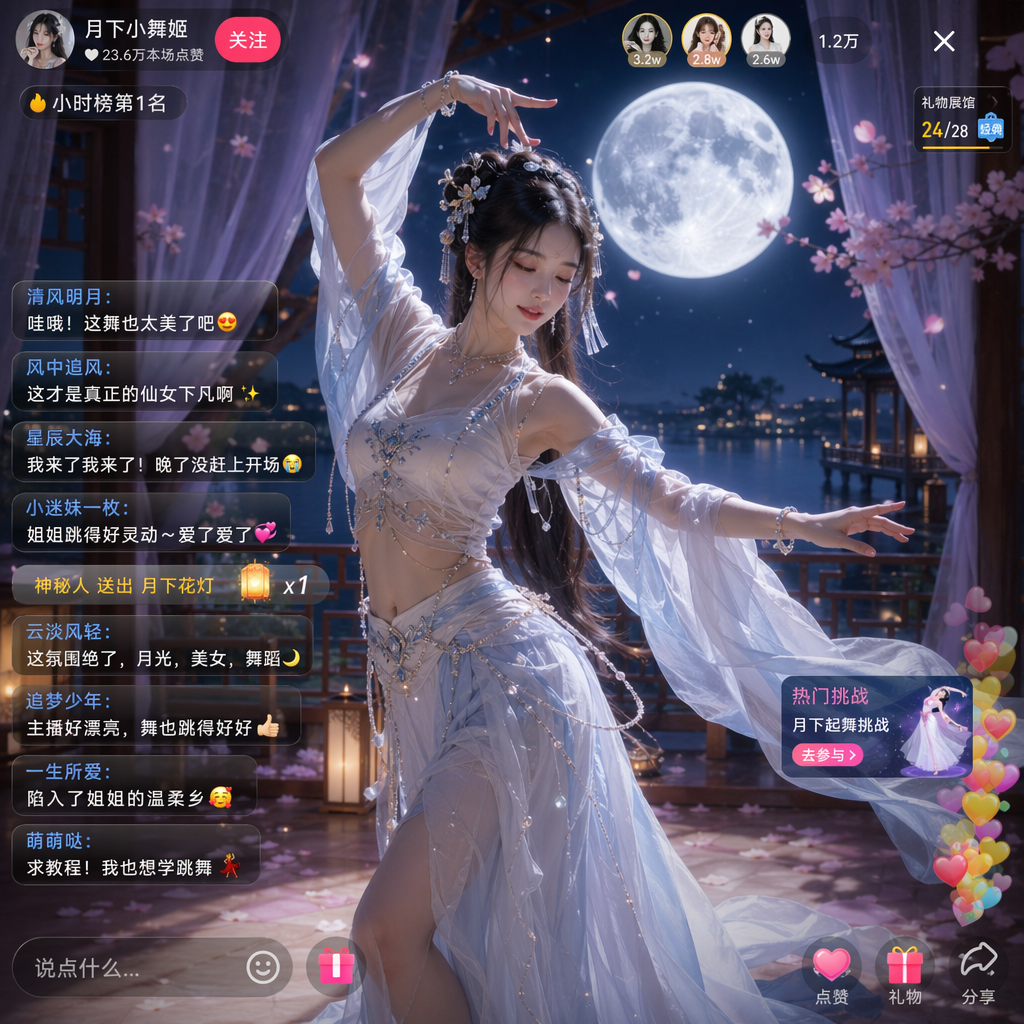
UI Screenshot System

UI & Interfaces

UI Screenshot System

High-fidelity app, web, dashboard, and social interface prompts.

Use when

Use for app screens, dashboards, social screenshots, and live interface mockups.

Guidance

  • Lock platform, aspect ratio, layout hierarchy, and exact visible text.
  • Specify UI chrome such as status bars, tabs, action rows, or comment layers.

Pitfalls

  • Avoid vague platform names and generic app mockups.
  • Constrain text readability and platform-specific details.
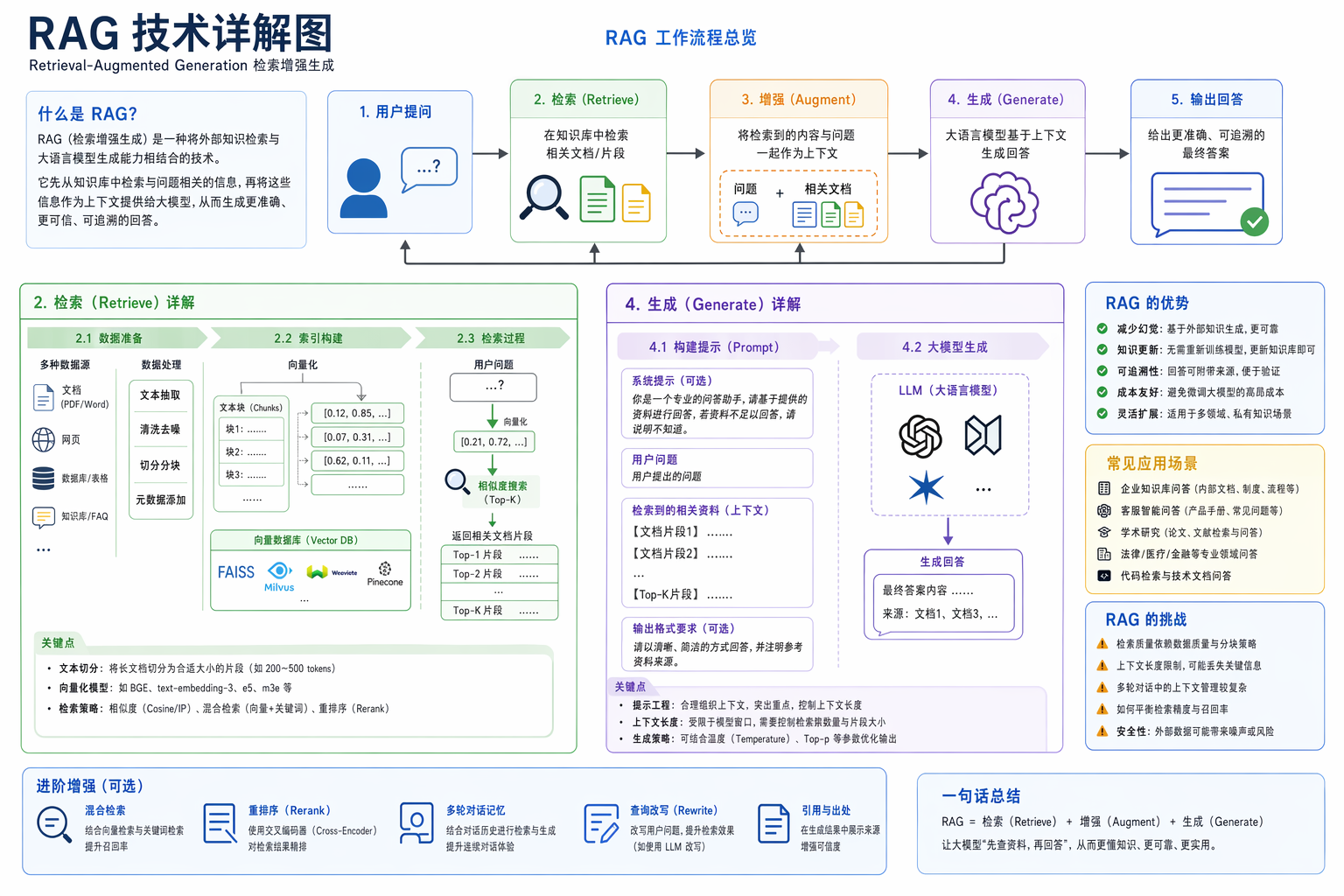
Infographic Engine

Charts & Infographics

Infographic Engine

Structured diagrams, timelines, knowledge maps, and explainers.

Use when

Use for explainer graphics, technical diagrams, timelines, and knowledge cards.

Guidance

  • Define 3-5 modules, information flow, visual hierarchy, and short labels.
  • Use color groups, arrows, icons, and clean spacing to reduce clutter.

Pitfalls

  • Avoid long paragraphs inside the image.
  • Limit module count before adding visual detail.
Scientific Scale Diagram

Charts & Infographics

Scientific Scale Diagram

Multi-scale science visuals with readable labels and hierarchy.

Use when

Use when the topic needs micro-to-macro scale comparison and labeled detail windows.

Guidance

  • Use 6-8 scale frames and keep each label short.
  • Show units, magnification, and distinct scale detail.

Pitfalls

  • Avoid making every scale frame visually identical.
  • Avoid generic magnifying glass icon layouts.
Poster Layout System

Posters & Typography

Poster Layout System

Event, product, movie, and social poster compositions.

Use when

Use for event posters, movie posters, covers, and social campaign visuals.

Guidance

  • Lock subject, headline, layout, palette, and aspect ratio.
  • Make the title hierarchy and primary visual clear.

Pitfalls

  • Avoid mixed moodboards or process sheets when asking for one finished poster.
  • Constrain extra text and decorative symbols.
Sports Campaign Poster

Posters & Typography

Sports Campaign Poster

Commercial sports visuals with athletes, props, and brand color.

Use when

Use for sports brand campaigns, athlete posters, and product-led sport visuals.

Guidance

  • Define sport, athlete pose, hero prop, title, and brand palette.
  • Use dramatic light, clean composition, and readable data overlays.

Pitfalls

  • Avoid wrong equipment and noisy collage.
  • Keep the athlete and hero prop visually dominant.
Conceptual Typography Poster

Posters & Typography

Conceptual Typography Poster

Premium title-led posters with strong typographic systems.

Use when

Use when the exact title must become the main visual structure.

Guidance

  • Make typography the hero and spell the title exactly.
  • Tie human figures, objects, or landscapes to the title meaning.

Pitfalls

  • Avoid default word art, unrelated icons, and misspelled title text.
  • Limit the color system to a restrained palette.
Ink Double Exposure Poster

Posters & Typography

Ink Double Exposure Poster

Chinese ink, portrait, and layered atmosphere composition.

Use when

Use for poetic portrait posters, ink atmospheres, and layered cultural visuals.

Guidance

  • Blend portrait silhouette, ink texture, atmosphere, and negative space.
  • Keep composition quiet, premium, and readable.

Pitfalls

  • Avoid cheap fantasy collage and overloaded scenery.
  • Use subtle text or no text unless required.
Nature Science Poster

Posters & Typography

Nature Science Poster

Minimal product-style science posters for natural subjects.

Use when

Use for natural subjects that need a premium, clean science poster feel.

Guidance

  • Use a clear subject, minimal copy, soft shadows, and disciplined whitespace.
  • Keep the scientific label short and visible.

Pitfalls

  • Avoid heavy advertising language.
  • Avoid dense encyclopedia blocks.
Product Commerce Visual

Products & E-commerce

Product Commerce Visual

Product shots, packaging, detail pages, and selling-point layouts.

Use when

Use for product hero shots, packaging visuals, detail pages, and sales layouts.

Guidance

  • Define product, selling points, material, scene, lighting, and layout blocks.
  • Separate hero product, benefit labels, and supporting props.

Pitfalls

  • Avoid random props that weaken product recognition.
  • Constrain packaging text and claim wording.
Personalized Beauty Report

Products & E-commerce

Personalized Beauty Report

Recommendation-report layouts for beauty and lifestyle products.

Use when

Use for beauty recommendations, skin reports, shopping assistants, and lifestyle product cards.

Guidance

  • Use a report-like hierarchy with diagnosis, recommendation, and product cards.
  • Keep product images, labels, and ratings aligned.

Pitfalls

  • Avoid medical claims and unreadable dense notes.
  • Keep recommendation logic simple.
Brand Identity Package

Brand & Logos

Brand Identity Package

Logo, palette, typography, applications, and brand touchpoints.

Use when

Use for logo systems, brand boards, visual identity kits, and application mockups.

Guidance

  • Define brand name, positioning, palette, typography, logo usage, and touchpoints.
  • Ask for a coherent board with aligned applications.

Pitfalls

  • Avoid unrelated logo variants and inconsistent palettes.
  • Keep brand text accurate.
Brand Touchpoint Board

Brand & Logos

Brand Touchpoint Board

Campaign boards across packaging, social, web, and display contexts.

Use when

Use for multi-touchpoint campaign boards and brand rollout previews.

Guidance

  • Specify touchpoint list, shared visual rules, and mockup arrangement.
  • Use one palette and one typography logic across all panels.

Pitfalls

  • Avoid mixing many unrelated campaign styles.
  • Limit touchpoints if readability drops.
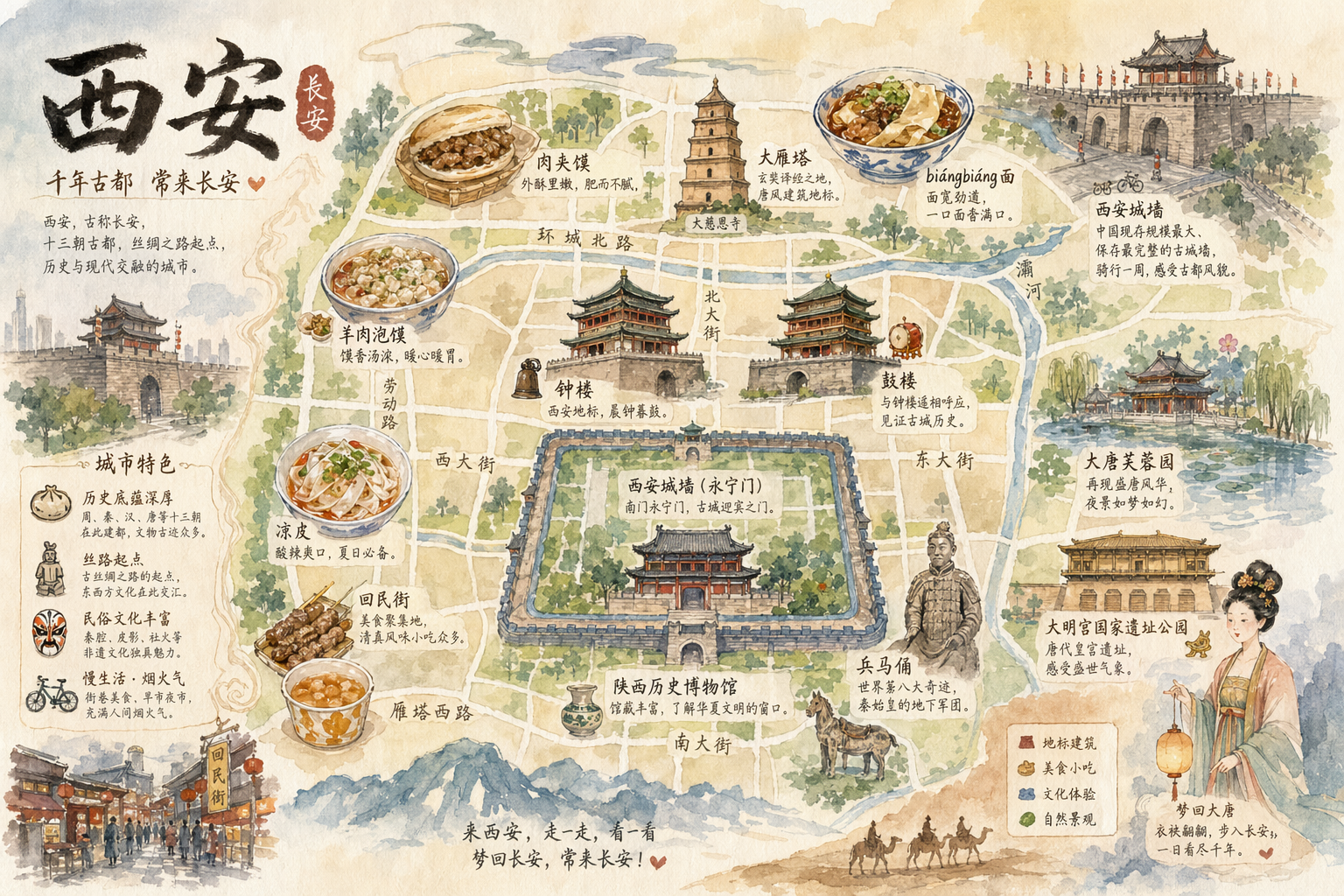
Architecture & Space

Architecture & Spaces

Architecture & Space

Interior, exterior, city, map, and spatial concept visuals.

Use when

Use for interiors, architecture renders, city maps, spatial plans, and environment concepts.

Guidance

  • Define viewpoint, scale, material, lighting, and spatial function.
  • For maps, specify landmarks, labels, border decoration, and visual accuracy level.

Pitfalls

  • Avoid impossible perspectives unless the output is conceptual.
  • Lock map label language and relative placement.
Realistic Photography

Photography & Realism

Realistic Photography

Lens, lighting, film texture, and documentary-style photo prompts.

Use when

Use for portraits, street photos, product photography, and cinematic realism.

Guidance

  • Specify camera distance, lens, light source, texture, background, and motion.
  • Use believable imperfections for documentary realism.

Pitfalls

  • Avoid over-polished plastic skin unless commercial beauty is required.
  • Add negative constraints for hands, text, and anatomy when needed.
Street Accident Moment

Photography & Realism

Street Accident Moment

Realistic phone-photo scenes with negative constraints.

Use when

Use for candid street moments, accidental spills, documentary phone shots, and fast action.

Guidance

  • Describe the exact moment, camera height, motion blur, and street context.
  • Add negative constraints for staged poses and fake ad lighting.

Pitfalls

  • Avoid too-clean compositions.
  • Keep the event plausible and grounded.
Illustration & Art Style

Illustration & Art

Illustration & Art Style

Anime, watercolor, ink, material experiments, and art direction.

Use when

Use for anime, watercolor, ink, decorative art, and style experiments.

Guidance

  • Define composition, subject, palette, brush material, mood, and rendering depth.
  • For reference images, state what must be preserved.

Pitfalls

  • Avoid style-only prompts without composition.
  • Lock character identity when using references.
Character Design Sheet

Characters & People

Character Design Sheet

Characters, pose sheets, action grids, and identity consistency.

Use when

Use for character sheets, pose grids, action breakdowns, and identity references.

Guidance

  • Define identity anchors, outfit, proportions, pose count, and sheet layout.
  • Keep face, hairstyle, and costume details consistent.

Pitfalls

  • Avoid changing costume details between poses.
  • Limit pose count if the sheet becomes crowded.
3D Collectible Toy

Characters & People

3D Collectible Toy

Reference photo to premium 3D collectible figure prompts.

Use when

Use for premium collectible figures, avatar toys, blind-box characters, and 3D display renders.

Guidance

  • Preserve face and outfit anchors from the reference.
  • Specify material, packaging, base, lighting, and collectible scale.

Pitfalls

  • Avoid generic toy bodies without identity details.
  • Keep packaging text minimal and accurate.
Scene Storytelling

Scenes & Storytelling

Scene Storytelling

Storyboards, worldbuilding, narrative scenes, and emotional pacing.

Use when

Use for storyboards, worldbuilding, live scenes, and emotional narrative frames.

Guidance

  • Define who, where, when, conflict, emotion, and camera framing.
  • Use scene details to support narrative rather than decoration.

Pitfalls

  • Avoid generic fantasy backgrounds.
  • Keep narrative cues visible in the frame.
History & Classical Themes

History & Classical Themes

History & Classical Themes

Dynasty clothing, scroll narrative, poetry, and traditional motifs.

Use when

Use for ancient Chinese themes, scrolls, dynasty clothing, poetry visuals, and historical scenes.

Guidance

  • Specify dynasty, clothing system, object references, layout format, and cultural mood.
  • Use scroll, album page, or poster format deliberately.

Pitfalls

  • Avoid mixing dynasties when historical accuracy matters.
  • Constrain random modern props.
Document & Publishing

Documents & Publishing

Document & Publishing

White papers, manuals, encyclopedic plates, and page systems.

Use when

Use for white papers, manuals, encyclopedic plates, report pages, and publication systems.

Guidance

  • Define page size, columns, table of contents, figure system, and typography hierarchy.
  • Use readable headings, tables, labels, and page rhythm.

Pitfalls

  • Avoid tiny dense text.
  • Keep charts and captions aligned to the page grid.
Concept Product Breakdown

Other Use Cases

Concept Product Breakdown

R&D boards, exploded views, mixed tasks, and special outputs.

Use when

Use for experimental prompt tasks, R&D boards, exploded diagrams, and unusual visual systems.

Guidance

  • Define the artifact type, components, labels, material logic, and final presentation format.
  • Use clear callouts and a controlled technical style.

Pitfalls

  • Avoid unspecified mixed tasks.
  • Keep labels short and component relationships visible.